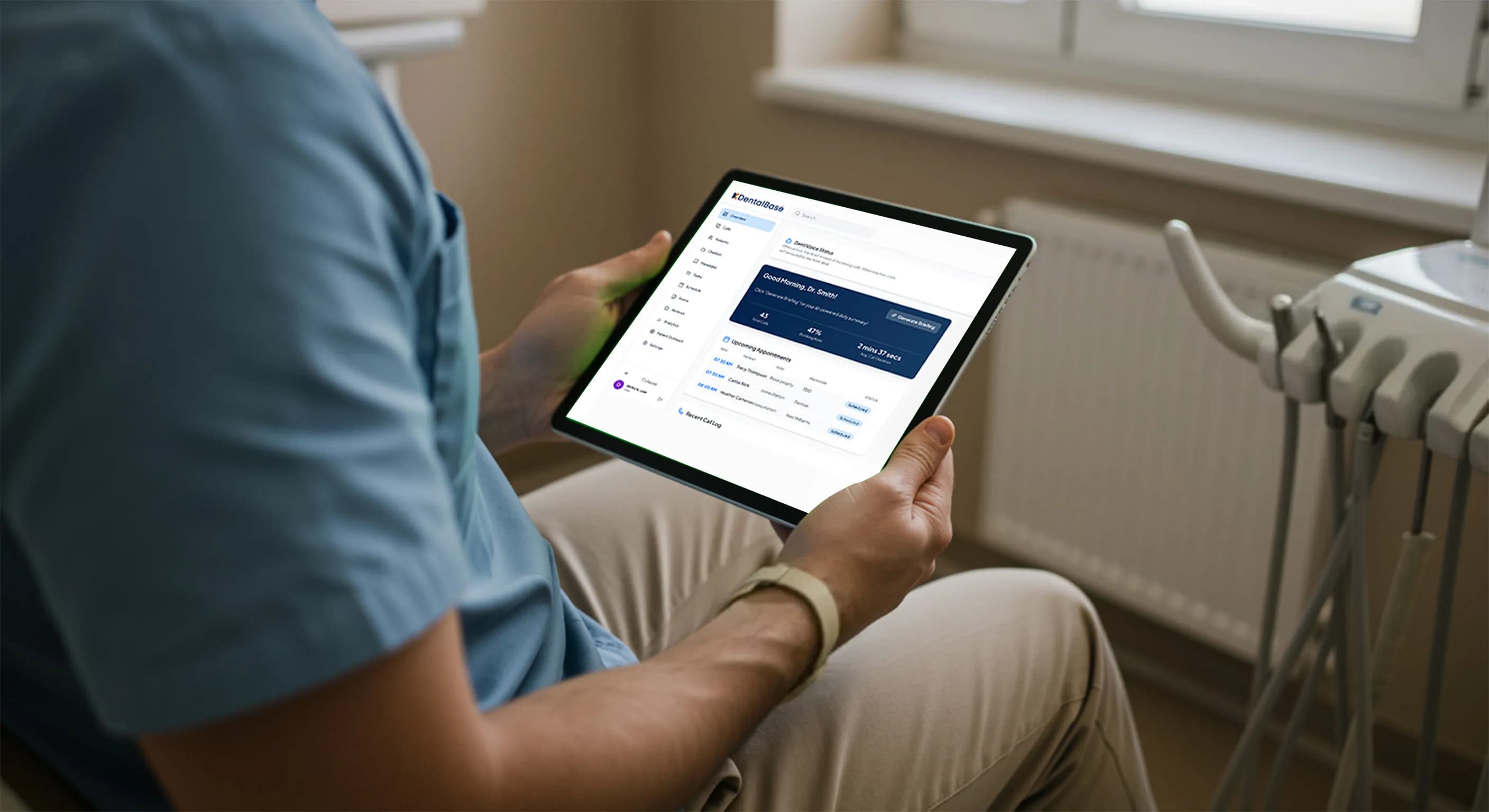
AI Dental Receptionist HIPAA Compliance: A Dentist Guide
Is your AI dental receptionist HIPAA-compliant? Learn what PHI it handles, the rules that apply, BAAs, and how to verify a vendor before you adopt it.
Share:
Table of contents
AI dental receptionist HIPAA compliance is achievable: yes, an AI receptionist can be compliant, but only when it treats patient data the way a trained front-desk employee would, with encrypted storage, minimum-necessary access, and a signed Business Associate Agreement.
Missed calls. Overloaded front desks. After-hours voicemails that never turn into appointments. These challenges are pushing more dental practices to explore AI dental receptionists that can answer phones, schedule appointments, and respond to patients around the clock. But AI dental receptionist HIPAA compliance has to come first.
As soon as dentists start evaluating AI, one concern comes up immediately:
Is an AI dental receptionist HIPAA-compliant?
AI dental receptionist HIPAA compliance is the first question most dentists raise, and for good reason. Because an AI dental receptionist interacts directly with patient information, HIPAA compliance is not optional. It is foundational. This article explains what dentists need to know about HIPAA and how it applies specifically to AI dental receptionists, so practices can adopt automation without introducing unnecessary risk.
What Is an AI Dental Receptionist?
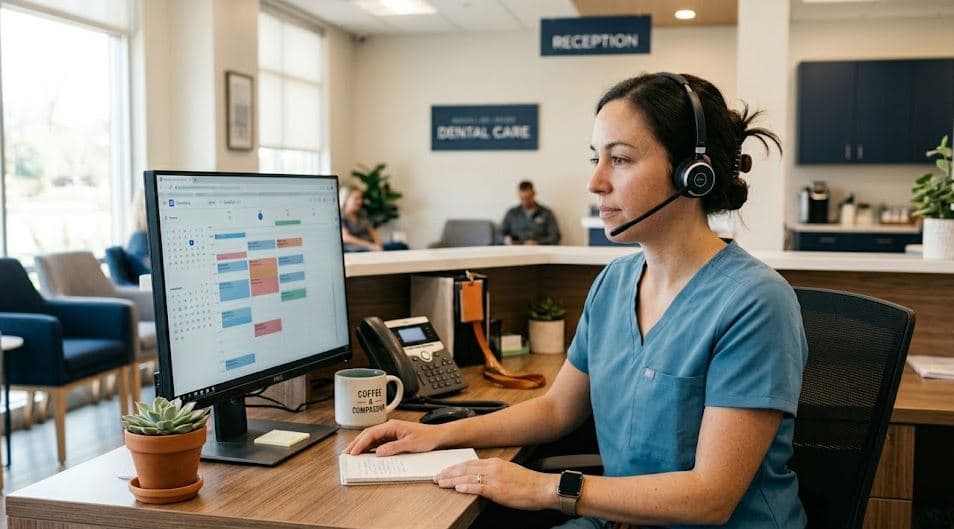
An AI dental receptionist is software that answers calls, books appointments, and responds to patients automatically. Because it processes patient information, an AI dental receptionist falls under HIPAA the same way a human front-desk employee does, which makes vendor design and safeguards a compliance question from day one.
An AI dental receptionist is software that handles front-desk communication tasks such as:
-
Answering inbound patient calls
-
Scheduling and confirming appointments
-
Collecting basic patient information
-
Responding to insurance and office policy questions
-
Routing complex calls to human staff
For a broader view of what these systems handle well, and where they still need a human, AI in patient communication: benefits and limits for practices breaks down both sides.
Unlike traditional answering services, modern AI receptionists integrate with dental practice management systems and operate continuously.
Knowing exactly which steps touch patient data makes the compliance picture clearer. This step-by-step explanation of what dental call handling AI does with a patient call → maps each stage, from intent detection through the write-back into your schedule.
Because these systems interact with patient identities, appointment details, and recorded conversations, often the kind of records national dental health bodies track, they frequently handle protected health information (PHI). That places them squarely under HIPAA requirements.
If you are considering an AI receptionist, it is important to evaluate whether the system was designed specifically for dental workflows or adapted from a general-purpose AI platform.
For a practical look at vetting platforms on this point, see how to evaluate HIPAA compliance across dental AI voice platforms.
New to AI front-desk coverage?
If you are still weighing how an AI receptionist fits next to your existing staff, start with the fundamentals before the compliance details.
Read the dental phone coverage guide →When Does HIPAA Apply to an AI Dental Receptionist?
HIPAA applies as soon as an AI dental receptionist handles a patient name, an appointment, or a recorded call. Nearly every dental practice is a covered entity, so any tool that answers patient calls must meet the same privacy and security standards your human staff already follow.
The Health Insurance Portability and Accountability Act (HIPAA) governs how healthcare providers protect patient information.
Dentists are considered covered entities under HIPAA if they:
-
Maintain patient records
-
Transmit electronic insurance claims
-
Use digital scheduling, billing, or imaging systems
That means nearly every dental practice is subject to HIPAA. Any AI tool that answers patient calls or manages appointments must meet the same privacy and security standards as human staff.
Even basic receptionist interactions, such as confirming an appointment or answering an insurance question, can involve PHI.
Digital paperwork carries the same duty, so review online patient intake forms and what HIPAA expects of them in the same pass as your phone workflow.
What Patient Information Does an AI Dental Receptionist Actually Handle?
An AI dental receptionist handles protected health information the moment a patient says their name and why they are calling. Even a confirmed appointment time tied to a name is PHI under HIPAA. That is a lower bar than most front desks assume.
That exposure grows with every job you hand the system. If you are still mapping those jobs, this walkthrough of AI dental receptionist responsibilities covers calls, scheduling, and software integration in one place.
The table below maps the everyday front-desk data points to whether they count as PHI. Notice how quickly an ordinary scheduling call crosses into regulated territory.
HIPAA is not the only statute in play once your system starts dialing out. Reminders and recall calls also sit under the Telephone Consumer Protection Act, and how TCPA compliance works for a dental practice turns on consent rather than on PHI.
A third layer sits alongside both of these: telling the patient they are talking to AI in the first place. What AI disclosure rules require of dental practices in 2026 is a separate obligation from HIPAA, but practices tend to solve for both at once.
| Front-desk data point | Counts as PHI? | Why it matters |
|---|---|---|
| Patient name + appointment time | Yes | Links an identity to a care event. |
| Reason for the visit | Yes | Reveals a clinical condition or need. |
| Insurance or member ID | Yes | Identifiable and tied to coverage. |
| Recorded call audio | Yes | Stores PHI in a retrievable format. |
| General office hours question | No | No identity or care detail attached. |
Here is the part that trips people up. The same call can start outside HIPAA and end inside it. A caller asks about hours, then books a cleaning, then mentions tooth pain. By the third sentence, your AI is handling PHI and the way it verifies the caller starts to matter.
So the question is not whether your AI touches PHI. It does. The question is how it protects that information on every call.
Why Does the Dental Receptionist Role Carry the Highest HIPAA Risk?
The front desk carries the highest HIPAA risk because it is where PHI is spoken aloud, recorded, and disclosed dozens of times a day. An AI dental receptionist inherits that exposure, so the safeguard is choosing a system built for healthcare rather than a repurposed general bot.
The front desk is one of the most common sources of HIPAA exposure in a dental practice. This is true whether the receptionist is human or AI. To see how the job got this crowded, read how the dental receptionist role has changed over time.
Typical risk areas include:
-
Over-disclosure during phone conversations
-
Unsecured call recordings
-
Inconsistent responses to patient questions
-
Limited visibility into who accessed what information
An AI dental receptionist does not eliminate these risks by default. The risk is reduced only if the AI is designed with HIPAA in mind from the start.
This is why dental-specific AI platforms like Dentivoice are fundamentally different from generic AI call tools.
Related: Generic call tools and dental-specific AI handle the same call very differently. Compare in-house, answering service, and AI coverage models →
Which HIPAA Rules Matter Most for AI Dental Receptionists?
Three HIPAA rules matter most for an AI dental receptionist: the Privacy Rule, the Security Rule, and the minimum necessary standard. Together they govern how patient information is used, how electronic data is protected, and how much access the AI should ever have on a single call.
The HIPAA Privacy Rule
The HIPAA Privacy Rule limits how PHI can be used and disclosed. The ADA summarizes how these rules apply to dental practices.
An AI dental receptionist must:
-
Use PHI only for treatment, payment, or operations
-
Avoid unnecessary disclosures
-
Support patient access to their information
From a compliance standpoint, HIPAA does not distinguish between a human receptionist and an AI one. Both are held to the same standard.
The HIPAA Security Rule
The HIPAA Security Rule applies to electronic PHI, as outlined in federal HIPAA guidance, and requires:
-
Administrative safeguards such as risk assessments and training
-
Physical safeguards for systems and devices
-
Technical safeguards such as encryption, access controls, and audit logs
Any AI receptionist handling patient calls or messages must meet these requirements consistently, not as an optional configuration.
Dentists evaluating AI should ask whether security is built into the product or layered on afterward.
The Minimum Necessary Standard
The minimum necessary standard requires limiting access to PHI to only what is needed to complete a task. Peer-reviewed reviews of HIPAA in clinical settings reinforce this principle.
For an AI dental receptionist, this means:
-
Scheduling appointments without accessing clinical notes
-
Confirming visits without revealing unnecessary details
-
Restricting access based on function
This is one of the clearest indicators of whether an AI system was designed for healthcare use.
The Business Associate Agreement (BAA)
A Business Associate Agreement is the contract that makes a vendor legally accountable for the PHI it handles on your behalf. If an AI vendor processes patient calls and will not sign a BAA, you cannot use it compliantly. Full stop.
The BAA spells out how the vendor safeguards PHI, what happens during a breach, and how data is returned or destroyed when you leave. Ask for it before you sign anything else. A vendor that treats the BAA as routine is a vendor that has thought about dental compliance seriously.
Want to see HIPAA-aware call handling in practice?
See how an AI receptionist confirms identity, limits disclosure, and logs every call by design.
Request a Dentivoice demo →
Can an AI Dental Receptionist Reduce HIPAA Risk?
When implemented correctly, an AI dental receptionist can actually reduce HIPAA risk compared to a busy front desk.
AI can reduce risk by:
-
Following consistent, compliant conversation patterns
-
Eliminating overheard discussions
-
Automatically logging interactions
-
Reducing human error during peak hours
Risk increases when AI tools are not healthcare-specific or when compliance is treated as an afterthought.
This is why practices increasingly look for AI receptionists built specifically for dentistry rather than adapting general AI tools.
Consistency is the quiet advantage. A human front desk has good days and bad days, and a rushed Monday morning is exactly when an over-disclosure slips out. An AI receptionist reads from the same approved script at 8 a.m. and 8 p.m. Even so, where AI stops and a human receptionist still needs to step in is a question every practice should settle before go-live.
It also creates a record. Every interaction can be logged, time-stamped, and reviewed, which turns a compliance blind spot into something you can actually audit. Pairing that with call analytics lets you spot patterns before they become problems. And when a call needs a human, smart call routing hands it off cleanly instead of guessing. Compliance logging is one input into a bigger picture, and this guide to measuring whether an AI receptionist is actually succeeding covers the rest of the scorecard.
How Do You Verify an AI Receptionist Is HIPAA-Compliant?
You verify HIPAA compliance by asking for evidence, not assurances. A compliant AI dental receptionist vendor can show you a signed BAA, describe its encryption and access controls plainly, and explain how long call data is kept. Vague answers are the warning sign.
Marketing language is easy to produce. A real compliance posture leaves a paper trail. Before you commit, walk through the checklist below and treat any blank as a reason to slow down. The patient communication software buyer guide goes deeper on the procurement questions worth asking.
For a broader view of how this specific vendor evaluation folds into a practice-wide HIPAA program, the full HIPAA compliance guide for dental practices covers the policies and training that surround the vendor question itself.
HIPAA readiness checklist
Check each item the vendor can prove in writing.
Your score: count your checks out of 6. Fewer than 6 means more questions to ask.
How Do You Choose the Right AI Dental Receptionist?
Choosing the right AI dental receptionist comes down to proof of compliance, dental-specific design, and a signed Business Associate Agreement. If a vendor cannot answer how it secures, limits, and logs patient data, the HIPAA risk shifts back onto your practice by default.
Compliance is only one column in that decision. This wider guide to choosing the right AI receptionist for a dental office covers the rest of the evaluation, from PMS fit to call quality.
Once you've settled on a vendor, this step-by-step guide to implementing an AI receptionist in a dental office covers training, go-live, and what to track in the first month.
Before adopting an AI dental receptionist, dentists should be able to clearly answer:
-
Was this AI built specifically for dental workflows?
-
Does the vendor sign a Business Associate Agreement?
-
How is patient communication secured?
-
How is access limited and monitored?
-
How are conversations logged and retained?
If these answers are unclear, the risk is real.
Dentivoice was built to function as a true AI dental receptionist, with HIPAA considerations embedded into how calls are handled, secured, and audited.
Who Is Responsible if an AI Receptionist Causes a HIPAA Breach?
The dental practice is responsible. As the covered entity, the dentist remains accountable for PHI even when a vendor processes the calls. Federal health agencies treat this as a practice-level obligation. A signed BAA shifts some obligations to the vendor, but it never removes the practice from the equation.
This is why vendor selection is a clinical-leadership decision, not just an IT purchase. If a breach traces back to an AI tool that stored recordings it never should have, the practice answers for it first. The vendor's BAA then governs how liability is shared.
Integration matters here too. An AI receptionist that connects to your practice management system through a documented, access-controlled method is easier to defend than a bolt-on tool scraping data sideways. If you run Open Dental, the integration approach affects how PHI moves between systems. And after hours, when no staff are watching, how calls are answered overnight is often where the real exposure sits.
The bottom line on responsibility
A BAA distributes accountability. It does not erase yours. Choose a vendor you would be comfortable standing behind in an audit.
Final Takeaway
AI dental receptionists are quickly becoming essential for modern practices. They help capture missed calls, improve patient experience, and reduce front-desk burnout.
HIPAA compliance is not a barrier to this shift. It is what makes the shift sustainable.
For dentists, the most important decision is not whether to use AI, but which AI was designed to protect patients, staff, and the practice itself.
Request a Dentivoice demo to see how it would work for your front desk.
Further Reading on AI Receptionists and Dental Compliance
- Evaluating an AI Receptionist for Dental HIPAA Compliance, a closer look at the questions to ask before signing with a vendor.
- AI Receptionist SOC 2 Dental Guide: Compliance & Security, how SOC 2 certification fits alongside HIPAA for dental AI vendors.
- Best Dental AI Receptionist Software: How to Choose, a practical comparison guide for narrowing down vendors.
- AI Receptionist for Dental Office: 30 FAQ Answered, common day-to-day questions dentists ask before switching.
- DentiVoice vs Savvy Agents: One Agent or an AI Workforce?, a side-by-side look at a focused reception agent versus a bundled multi-agent platform.
- keeping prescription refill calls inside HIPAA's rules, how to verify a caller and log the request without collecting more than necessary.
HIPAA is just one factor in that decision. See how AI receptionists stack up against traditional answering services on cost and patient experience too.
Compliance looks a little different once a PMS is in the picture. See how HIPAA compliance holds up in a Dentrix-integrated AI receptionist setup.
Bring HIPAA-aware front-desk coverage to your practice
See how Dentivoice answers, verifies, and logs every patient call with HIPAA built into the workflow, not bolted on afterward.
Request a Dentivoice demo →Frequently Asked Questions
Yes. An AI dental receptionist is treated like a human front-desk employee under HIPAA whenever it handles names, appointment details, insurance information, or recorded calls. The moment patient data is involved, the same privacy and security obligations apply, and the practice must be able to show those safeguards are in place.
Dental receptionists routinely handle protected health information, including patient names, phone numbers, appointment times, reasons for visits, insurance questions, and recorded calls. Each becomes PHI once it is tied to an identity. That is why even a routine confirmation call falls squarely under HIPAA privacy and security requirements.
No. Using an AI dental receptionist does not transfer HIPAA responsibility away from the practice. The dentist remains the covered entity and stays accountable for how PHI is accessed, stored, and disclosed. A signed Business Associate Agreement shares some duties with the vendor, but it never removes your obligation.
Usually not. Generic AI tools are not built for dental workflows, may store conversations indefinitely, and often lack the HIPAA safeguards required for receptionist interactions involving PHI. They were designed for general tasks, not for protecting patient health information, so the compliance gap falls back on your practice.
Yes. Any vendor that processes PHI on your behalf must sign a Business Associate Agreement. Without a signed BAA, you cannot use the AI dental receptionist HIPAA-compliantly. The agreement defines how the vendor protects data, handles breaches, and returns or destroys information when the relationship ends.
It can. A dental-specific AI follows consistent compliant scripts, eliminates overheard front-desk conversations, limits data access by function, and logs every call so interactions stay auditable. Compared with a busy front desk on a chaotic Monday morning, that consistency can reduce the everyday over-disclosure that drives most HIPAA exposure.
Sources & References
- 1
- 2
- 3
- 4
Topics
Was this article helpful?
Written by
DentalBase Team
Expert dental industry content from the DentalBase team. We provide insights on practice management, marketing, compliance, and growth strategies for dental professionals.