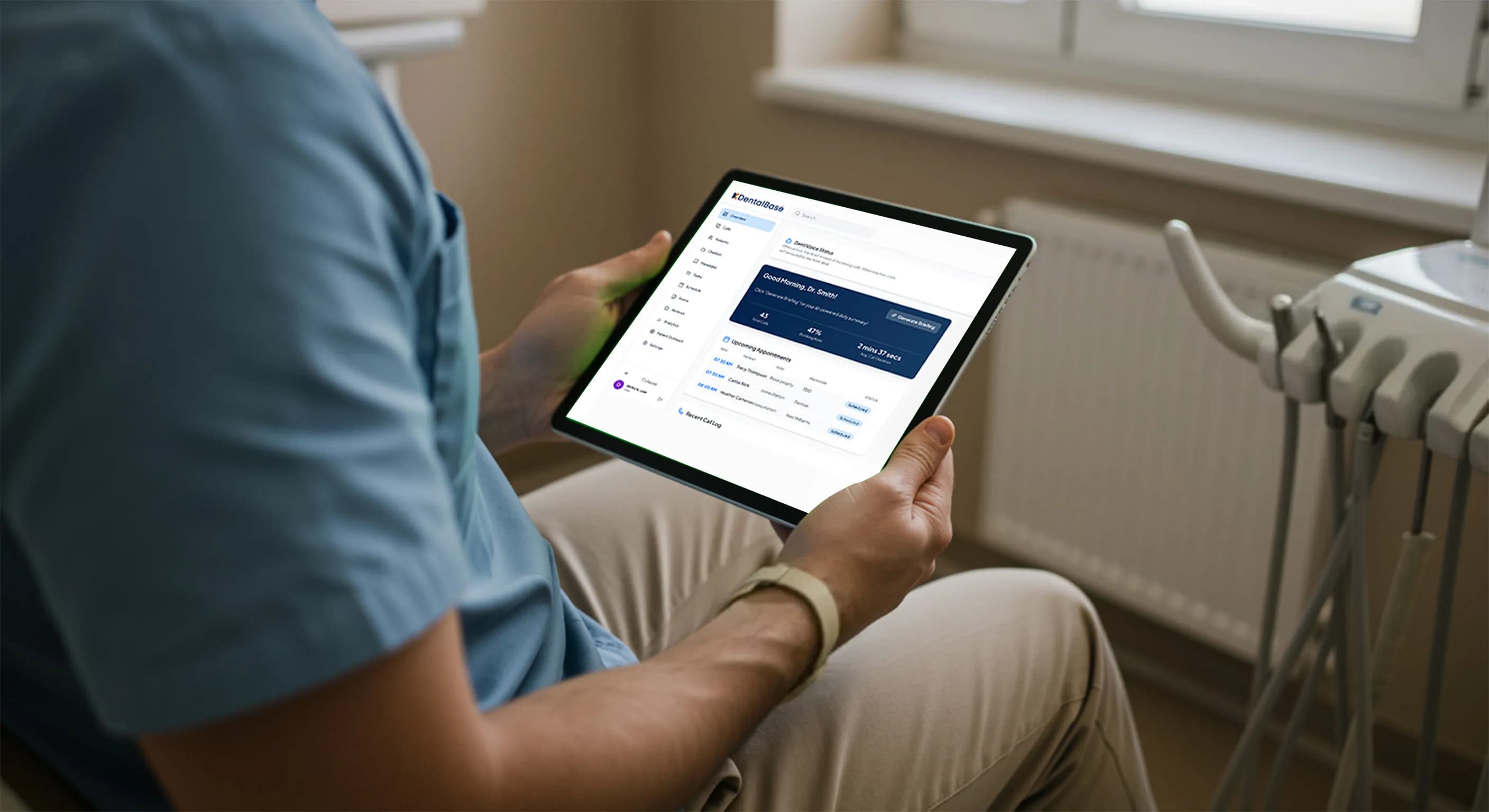
Dental Office Sales Call Screening With an AI Receptionist

Dental office sales call screening lets an AI receptionist capture vendor and solicitation calls and route them, keeping your front desk free for patients.
Share:
Table of contents
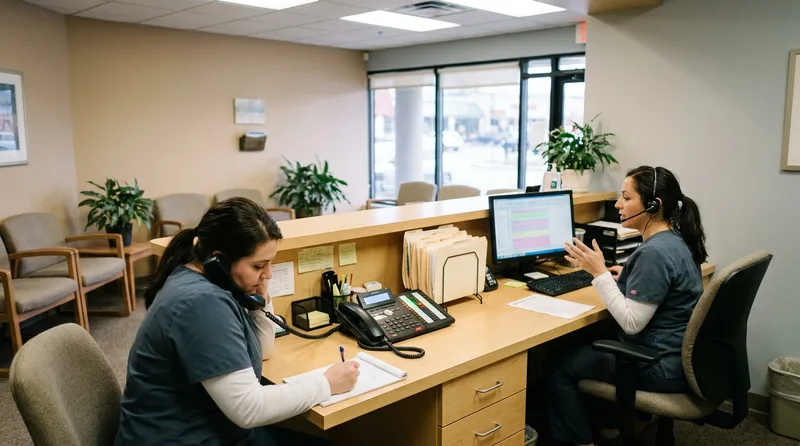
Dental office sales call screening exists because front desks cannot be three places at once. A hygienist needs a chair turned over, a patient at the counter wants to talk about a crown, and the phone rings again. It is a lab rep this time, or maybe a company selling patient financing software. Either way, someone has to stop and find out who it is.
Most practices field five to fifteen of these solicitation calls a week, and every one competes with actual patients for the same phones. An AI dental receptionist can take that first contact instead, capture who is calling and why, and get the message to the right person without pulling staff off the floor.
This guide covers what counts as a vendor or sales call, how an AI agent screens and routes them without ever making the buying decision, and what to configure before turning screening on.
What Is Dental Office Sales Call Screening?
Dental office sales call screening is the process of identifying a vendor or solicitation call before a staff member picks up, then deciding whether to route it, log it, or send it to voicemail. It never involves negotiating with the caller. The goal is triage, not decision-making.
Every practice gets a mix of the same call types: lab reps confirming a case, software companies pitching a new scheduling tool, marketing agencies offering SEO packages, and the occasional cold call from an insurance network wanting to get credentialed. None of these are urgent, and none of them are from a patient, but caller ID alone rarely tells you which is which.
How Screening Differs From a Spam Filter
Screening works by having an AI agent answer first, ask a short set of questions, and figure out the caller's intent in the opening seconds. That is different from a spam filter, which only blocks numbers it already recognizes as bad. A screening agent can handle a first-time caller from a company nobody has heard of, because it is listening to what the person says, not just where the call came from.
In practice, this means setting a short list of categories the agent should recognize, lab, software vendor, marketing, insurance rep, unknown solicitation, and a destination for each. Anything that does not fit gets logged as a message for the office manager to review, so nothing important slips through just because it was not on the list.
See What Else Your AI Receptionist Handles
Vendor and sales call screening is one function among many. Get the full picture of call types an AI dental receptionist can manage.
See the Full List →How Many Vendor and Sales Calls Does a Dental Practice Actually Field?
A typical practice fields somewhere between five and fifteen vendor or solicitation calls a week, on top of its regular patient call volume. That is roughly one to three unwanted calls a day competing with real patients for the same lines, at a front desk that is already stretched thin.
Stack enough of those unwanted calls onto an already-busy queue and you get the same crunch covered in our guide to handling dental call overflow without adding staff. Our walkthrough of why callers keep hearing a busy signal at the dental office shows how quickly that queue backs up.
Staffing has not kept pace with that load. The American Dental Association's Health Policy Institute found that 27% of owner dentists were actively recruiting administrative staff. Front-desk teams are often short-handed before a single vendor call comes in. Add a rotating cast of vendors to that mix, and the math only gets worse.
A Dentaltown poll of front-desk practices found that only 9% had a staff member screen calls before a provider saw them. Most instead route after-hours calls to a personal cellphone or automated paging. That gap is exactly where solicitation calls slip through. Practices that run a mystery shopper phone audit often find the same blind spot: staff cannot always tell a legitimate vendor from background noise until well into the call.
Becker's Dental + DSO Review reported dental employment climbing back to 90% of pre-pandemic staffing levels nationally. That sounds like recovery, but it also means many front desks are still running lean. Solicitation calls cost more than they used to, since there is less slack in the schedule to absorb them. That thinning margin is exactly what turns ordinary call volume into burnout, and this guide to fixing dental front office burnout covers how to build the slack back in.
The problem is not unique to dental practices. A nationwide analysis by spam-protection firm Hiya, compiled by Statista, found telemarketer robocalls made up nearly a quarter of the tens of billions of automated calls placed to U.S. phone numbers that year. Dental offices sit right in that path, since every listed phone number eventually ends up on someone's dialing list.
Common Vendor and Sales Call Categories
Common categories worth tracking before you set up any routing rules:
- Dental lab reps confirming a case or delivery window
- Practice management and scheduling software vendors
- Marketing agencies pitching SEO, ads, or website redesigns
- Insurance network representatives requesting credentialing calls
- Cold solicitation calls with no clear business reason
Tracking call types for two weeks before setting screening rules shows exactly which categories are worth automating first. Usually that is lab and marketing calls, since they are the highest volume and the lowest urgency.
That same tracking exercise is worth running on your patient-facing lines too. Our full breakdown of what patients actually call about shows how vendor noise compares to real patient volume.
How Does an AI Receptionist Screen Vendor and Sales Calls Without Making Decisions?
An AI receptionist screens these calls by capturing the caller's name, company, and reason for calling, then routing that information to the right person. It answers basic questions about the practice's hours, but it never accepts a vendor's pitch, negotiates pricing, or commits the practice to anything.
That distinction matters more than it sounds. The agent is not deciding whether a vendor's offer is worth the practice's time. It is deciding whether the message reaches a human who can make that call. Caller context helps here: a returning lab rep with an open case looks different to the system than a first-time cold caller, even before either one says a word.
Under the hood, the agent uses the same natural language processing it uses for patient calls. It listens for intent signals such as "I'm calling on behalf of" or "we work with dental practices on," flags the call as non-patient, and moves straight to routing instead of trying to book anything.
Where the Boundary Sits
Most vendor calls never touch protected health information, so no special handling applies. The exception is a vendor who would actually process patient data on the practice's behalf. In that case, a business associate agreement question belongs with the practice's compliance lead, not the AI receptionist. The agent's job stops at capturing the message and flagging that the call may need that review.
What Happens to a Solicitation Call After It Is Screened?
Once a call is screened, it is routed to a destination the practice set in advance: a voicemail box, a message queued for the office manager, or, for a small allowlist of known vendors, straight through to the front desk. Nothing is decided on the spot beyond that routing choice.
| Call Type | What the Agent Captures | Where It Routes |
|---|---|---|
| Dental lab rep | Case reference, reason for the call | Voicemail or clinical lead, same day |
| Software vendor | Company name, callback number | Message queued for the office manager |
| Marketing agency | Company name, service offered | Logged, no callback unless requested |
| Insurance network rep | Purpose of call, network name | Routed to whoever handles credentialing |
| Unidentified cold call | Whatever the caller states | Voicemail, no live transfer |

The routing list is the whole configuration. Once it is set, the agent does not need judgment calls. It just matches the call to a category and follows the rule. Reviewing the list every quarter catches new vendor types before they start slipping into the wrong bucket.
Job applicant calls deserve their own line in that same routing list. Unlike a vendor pitch, a candidate calling about an open position needs a destination with actual hiring authority, not just a voicemail box that gets checked once a week.
Why Routing Beats an Outright Block
A practice could simply block every unrecognized number, but that trades one problem for another. Occasional legitimate calls, a new lab the practice just switched to, a returning vendor with a different phone number, get lost along with the noise. Routing keeps a record of every call so a human still makes the final call on anything worth a second look, instead of the phone system deciding by omission.
Related: Routing rules need updates as new vendor types show up, and staged changes keep those updates from breaking a live call flow. AI Receptionist Prompt Management: Version Control Basics →
How Do You Set Up Sales Call Screening for Your Practice?
Setting up sales call screening starts with a short list of vendor categories and a routing destination for each one, configured once in the AI receptionist's settings. Most practices can get a working version live in under a week, then refine it as new caller types show up.
The Setup Checklist
- Pull two weeks of call logs and tag every vendor or solicitation call that came through.
- Group those calls into categories: lab, software, marketing, insurance, unknown.
- Assign a routing destination to each category: voicemail, a specific staff member, or a logged message.
- Add a short allowlist for the handful of vendors the practice actually wants to hear from live.
- Log the routing decision in a system like Open Dental's task list so nothing depends on memory.
- Review the categories after 30 days and adjust for anything that did not fit.
None of this requires new hardware or a phone system change. It is a configuration layer on top of whatever the practice already uses to answer calls, which is why most teams can turn it on without disrupting a single patient-facing workflow.
What Mistakes Should Practices Avoid When Screening Vendor Calls?
The most common mistake is setting screening rules once and never revisiting them. New vendor types show up constantly, and a rule built for last year's call patterns misses this year's. The second most common mistake is routing every unknown call straight to voicemail, which buries the rare vendor call a practice actually wants.
Staff buy-in matters too. A screening system that quietly reroutes calls without anyone on the team understanding why creates friction the first time a real vendor complains about being sent to voicemail. Walking the front desk through the routing rules before launch avoids that problem entirely.
The other overlooked piece is what happens after a call goes to voicemail. A missed call text-back works well for patients, but sending an automatic text reply to every solicitation call just invites more of them. Vendor voicemails should be logged, not answered automatically.

Common Screening Mistakes to Watch For
- Setting rules once and never reviewing call categories again
- Routing every unknown number to voicemail with no follow-up review
- Rolling out screening without telling the front desk how it works
- Treating every vendor call the same, even the ones the practice actually wants
- Auto-texting solicitation callers back the same way patients are texted
A quarterly ten-minute review of the routing list, done by whoever manages the front desk, catches most of these before they become a pattern worth complaining about.
Screening vendor and sales calls this way is not about making anyone disappear. It is about making sure the fifteenth call of the week costs the front desk ten seconds instead of ten minutes, and that anyone who genuinely needs a same-day answer still gets one. Practices that get the most out of this start narrow: three or four call categories, one routing rule each, reviewed monthly.
Start by pulling last month's call log and marking every vendor and solicitation call in it. That list is the entire foundation for a screening setup, and it usually takes less time to build than the calls it is meant to screen out. Add one category at a time if the list feels long, since a screening rule that actually gets followed beats a perfect one that gets ignored after week two.
Keep Your Front Desk Focused on Patients
Explore more ways an AI dental receptionist handles routine calls so your team can stay focused on the people in the chair.
Browse Practice Management Guides →Screening sales calls is easier once you know when your legitimate call volume actually peaks. See the hourly staffing curve dental practices should plan around.
Curious how the call-handling technology works under the hood?
Explore Technology & Software Guides →Frequently Asked Questions
It covers dental lab reps, practice management or scheduling software vendors, marketing agencies, insurance network representatives, and cold solicitation calls with no clear patient connection. None of these are urgent, and none involve a patient on the line.
No. Screening routes calls by category rather than blocking them outright. A lab rep with an open case gets captured and routed the same way as any other recognized vendor, just through a different destination than a cold sales call.
No. It captures the caller's information and routes the message. Any decision about a vendor's offer, pricing, or contract stays with a staff member or the practice owner, not the AI agent.
It gets logged as a message tied to that call's category, typically reviewed by the office manager on a set schedule. Unlike patient voicemails, solicitation messages do not trigger an automatic callback or text reply.
Only if the vendor will actually create, receive, or transmit protected health information on the practice's behalf. Most sales and vendor calls never reach that point, but the question belongs with the practice's compliance lead, not the receptionist.
Most practices can configure a working set of categories and routing rules in under a week, based on two weeks of call logs. Refinements typically continue for the first month as new caller types show up.
Sources & References
- 1
- 2
- 3
- 4
- 5
Topics
Was this article helpful?
Written by
DentalBase Team
Expert dental industry content from the DentalBase team. We provide insights on practice management, marketing, compliance, and growth strategies for dental professionals.