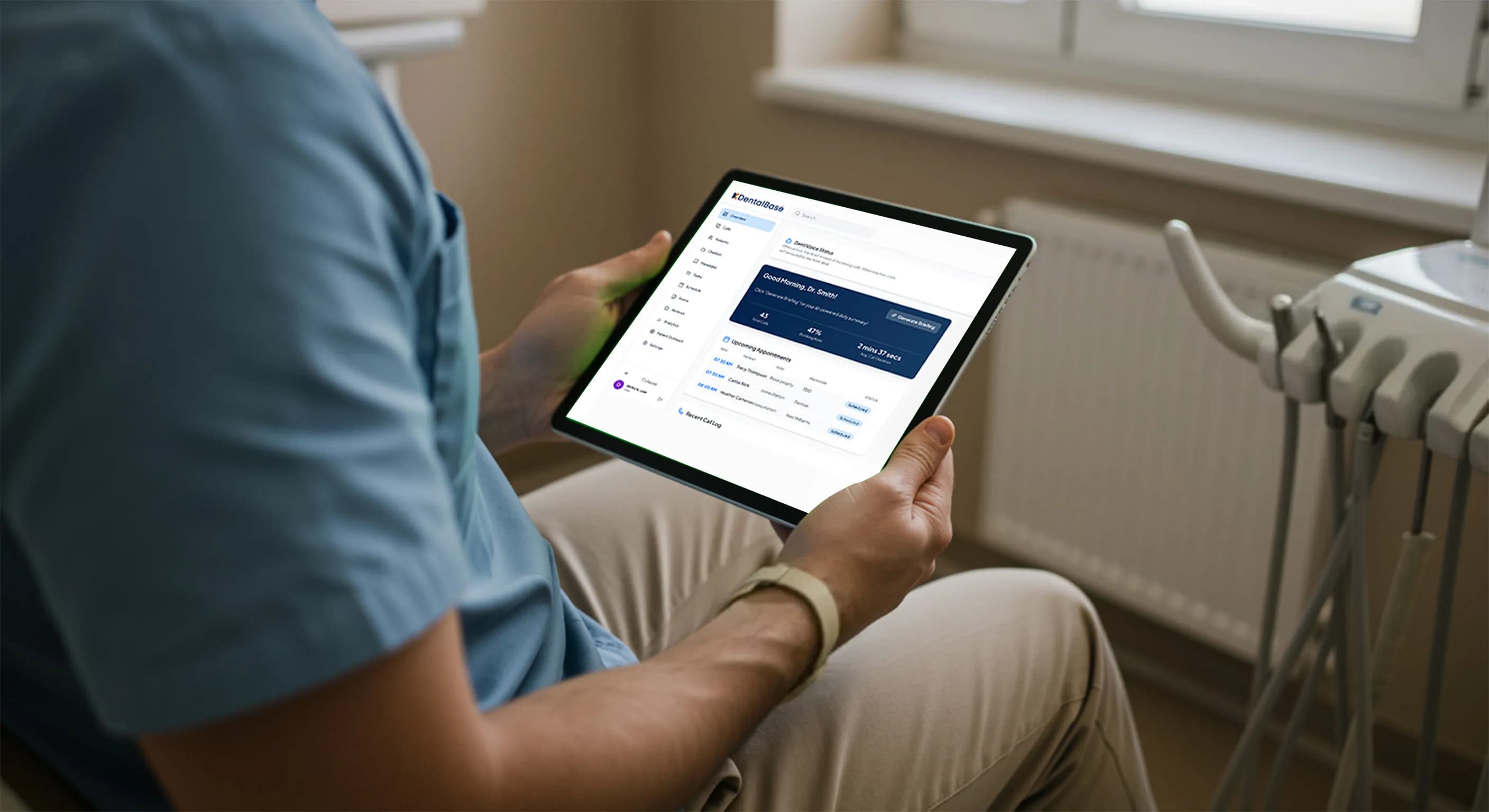
Dental Provider Scheduling Preferences for AI Receptionists

Dental provider scheduling preferences decide which dentist sees each patient. Learn how to define, document, and automate these rules correctly.
Share:
Table of contents
Dental provider scheduling preferences are the rules that decide which dentist, hygienist, or associate sees a given patient, and most practices have never written them down. A three-provider practice booking 60 calls a week can lose an afternoon untangling a hygiene patient booked into an oral surgery column. That mismatch is rarely a scheduling error. It is usually a missing rule that lived only in the front desk manager's head. This article breaks down how those rules actually work, why an AI receptionist for dental practices needs them spelled out explicitly, and how to document provider preferences so bookings land correctly the first time.
You will learn how to define preferences for new patients, referrals, and recall visits. You will also see how to handle part-time and rotating provider schedules. Get this right and the AI stops guessing. Get it wrong and every wrong-column booking becomes a phone call your team has to fix by hand.
Provider rules are one input into a wider automation project. If you are earlier in the process, start with what automated dental appointment scheduling involves, then come back here to write your rules down.
What Are Dental Provider Scheduling Preferences?
Dental provider scheduling preferences are the written rules that match a patient, procedure, or insurance plan to a specific dentist, hygienist, or schedule column. They tell an AI receptionist who is qualified, who is available, and who the practice wants booked for that particular visit.
Why These Rules Usually Stay Unwritten
Most practices carry these rules informally. The office manager knows Dr. Patel only takes new adult patients on Tuesdays and Thursdays, that the newest associate is not yet credentialed for implant consults, and that one hygienist doubles up cleanings while another needs a full hour. None of that is written anywhere. It works because a human is filling in the gaps in real time, reading the schedule and making a judgment call on every call that comes in. Written down, those rules let an AI place each patient in the right column, which is the foundation of AI appointment booking that stays accurate after hours.
What Provider Preferences Should Cover
- Which provider or providers are qualified for a given procedure code
- Which provider a specific insurance plan or PPO network is tied to
- Whether a new patient defaults to the owner-dentist, a specific associate, or whoever has the next opening
- Which column or chair a hygienist works from, and whether that hygienist doubles for cleanings
- Days and hours each provider actually sees patients, including part-time and rotating schedules
Column assignment and procedure-to-provider mapping deserve their own detailed breakdown. Our guide to appointment type mapping for accurate AI booking walks through that layer in depth, since it pairs directly with the provider-preference rules covered here.
See what an AI receptionist can actually schedule
Provider preferences are one layer of accurate booking. Get the full picture of call types an AI receptionist handles.
Read the full breakdown →Why Does Provider Mismatch Break AI Receptionist Scheduling?
Provider mismatch breaks AI receptionist scheduling because a rigid script treats every provider as interchangeable, and dental practices almost never work that way. When the system books an emergency into a hygienist's column or a Medicaid patient with an out-of-network dentist, the front desk has to catch and rebook it manually.
The Common Failure Pattern
The failure pattern is consistent across practices. A caller says "I need a cleaning," the AI checks for the next open slot, and it books whichever column is free, regardless of whether that provider actually does hygiene work that day. Multiply that by 40 or 50 calls a week and the front desk spends a chunk of every morning fixing bookings that never should have happened. That's not a phone problem. It's a missing-rule problem.
Comparing Booking Approaches
| Booking Approach | What Happens | Front Desk Impact |
|---|---|---|
| No provider rules | Any open slot gets booked regardless of provider fit | High rate of manual rebooking |
| Static provider list | Correct for common cases, fails on exceptions like referrals | Occasional errors on edge cases |
| Documented preference rules | Patient type, procedure, and insurance all route correctly | Minimal manual intervention |
The Workforce Trend Behind It
According to the American Dental Association's Health Policy Institute, the number of dental practices employing associate dentists alongside an owner has grown steadily over the past decade, which means more practices now juggle multiple providers with different scopes and schedules than they did ten years ago. The ADA Health Policy Institute tracks these workforce shifts closely, and the trend only increases the need for explicit provider rules rather than tribal knowledge.

How Should New Patients Be Matched to a Provider?
New patients should be matched to a provider using a short decision order: insurance network first, procedure complexity second, and scheduling availability last. Skipping the insurance check is the single most common reason a new-patient booking has to be moved after the fact.
How a Real Call Should Unfold
Think about how a real call unfolds. A new patient calls wanting a checkup. Before the AI offers a time slot, it needs three things. First, which providers are in-network for that patient's plan. Second, whether anything the caller said sounds like it needs the owner-dentist rather than an associate. Only then does it check which qualifying provider has an opening this week. Get the order wrong and you end up offering times with a provider the patient can't actually see.
Criteria to Check Before Booking
- Insurance network status for each provider, updated whenever a contract changes
- Any stated complexity flags: pain, swelling, prior extraction, or "I think I need a crown"
- Age of the patient, since some providers only see adults or only see children
- Whether the practice defaults new patients to the owner-dentist for the first visit
Write these criteria down in the order they should be checked, not just as a list. A rule engine, human or automated, needs sequence as much as it needs content.
| Step | What to Check | Why It Matters |
|---|---|---|
| 1. Insurance network | Which providers are in-network for the patient's plan | Narrows the provider pool before anything else is considered |
| 2. Procedure complexity | Whether the case needs the owner-dentist or a specific skill set | Prevents a complex case landing with an under-qualified provider |
| 3. Provider availability | Which qualifying, in-network provider has an actual opening | Checked last, so the AI never offers a slot the patient can't use |
Fix wrong-provider bookings before they happen
If bookings keep landing in the wrong column, the fix usually starts with how appointment types are mapped, not the phone system itself.
Diagnose the issue →Should Referral and Specialty Cases Route to One Provider?
Yes, referral and specialty cases should route to one named provider whenever the practice has a designated specialist, because sending a referral to "whoever is open" undermines the whole point of having a specialist on staff. The AI needs a rule that says exactly which provider handles which referral type.
Specialist Referral Examples
Oral surgery referrals, endodontic cases, and periodontal consults are the clearest examples. A general dentist refers a patient for a molar extraction, and if the practice has an oral surgeon on staff two days a week, that referral needs to land on that specific provider's schedule, not the first open chair. Our detailed walkthrough on handling oral surgery and endodontic referral calls covers the phrasing and triage questions an AI receptionist should ask before booking.
Insurance-Driven Routing
The same logic applies to insurance-driven routing. A PPO plan that only one associate is credentialed for means every call mentioning that plan needs to skip past the owner-dentist's open slots entirely, even if those slots come up first. Rules like this feel obvious once written down. They are almost never written down.

Related: Curious how an AI receptionist understands a call in the first place. See how the NLP layer works →
How Do You Handle Provider Availability, PTO, and Part-Time Schedules?
Provider availability, PTO, and part-time schedules should feed into the AI receptionist as a live calendar feed, not a static rule written once and forgotten. A hygienist who works Monday, Wednesday, and every other Friday needs that pattern reflected automatically, or the system keeps offering days she isn't in the building. Hygiene teams can pair live availability with hygiene scheduling features like recall tracking and waitlists to keep chairs full.
Why Part-Time Schedules Cause the Most Errors
Part-time and rotating schedules cause more booking errors than almost any other single factor, because they change week to week in ways a fixed rule can't capture. Consider an associate who works three days one week and four the next. Or a hygienist covering for a colleague on maternity leave. Both need the system pulling live availability, not a preference list that assumes fixed hours.
Steps to Keep Availability Accurate
- Sync the AI receptionist directly to each provider's calendar, not a manually maintained spreadsheet
- Flag temporary changes, like a provider covering another's patients during PTO, as time-bound exceptions
- Review the rule set monthly, since staffing and schedules shift more often than most practices expect
- Confirm the system defaults to "no availability shown" rather than guessing when a provider's schedule is unclear
The NIDCR data and statistics program tracks exactly this kind of workforce fragmentation across U.S. dental practices, and it is a large part of why static schedule assumptions break down. Practices that skip step one, in particular, end up right back at manual scheduling within a few weeks, because the rules go stale the first time someone's hours change.
How Do You Document These Rules So an AI Receptionist Can Follow Them?
Document provider preferences in a single reference sheet that lists every provider, their qualifications, network status, and standard hours, then hand that sheet to whoever configures the AI receptionist before automation goes live. A verbal handoff or a memory-based process will not survive staff turnover.
Building the Reference Sheet
This documentation step is the foundation for everything else in this article. Without it, every rule described above lives in one person's head and disappears the day that person takes a vacation or leaves the practice. Our guide to documenting scheduling rules before you automate is the companion piece to this one and works through the full template, including block scheduling and buffer rules that sit alongside provider preferences.
Keeping the Rules Secure and Current
Handle the preference sheet itself with the same discipline the industry applies to patient data under HHS HIPAA guidance for covered entities, since it often lists provider credentials and network details that shouldn't circulate loosely. Practice management platforms like Open Dental and coverage trends reported by Becker's Dental + DSO Review both point the same direction: more providers per practice means more room for scheduling rules to drift out of date. Once the rules are written down, treat the AI receptionist's configuration like any other practice software. Version it. Test changes before pushing them live. Keep a record of who approved each update. Our prompt management and version control guide covers how to make changes safely without breaking rules that are already working. And when it's time to walk the team through the new system, introducing an AI receptionist to dental staff lays out how to get buy-in instead of resistance.
Provider Preference Documentation Checklist
Check each item your practice already has written down.
Your score: count your checks out of 6

Dental provider scheduling preferences only work once they exist somewhere other than a front desk manager's memory. The practices that get the most out of an AI receptionist are the ones that sat down first and wrote out exactly who sees which patient, in what order, and under what exceptions.
Start with the highest-volume mismatch your practice sees today, whether that's new-patient insurance routing or referral cases going to the wrong chair, and document that one rule completely before moving to the next. A partial rule set beats no rule set, and a fully documented one is what lets automation actually reduce your front desk's workload instead of adding to it.
Ready to document your practice's provider rules?
DentiVoice's AI receptionist is built to follow the exact provider preferences your practice sets, not a one-size-fits-all script.
Explore practice management resources →Want to see whether your current booking process already has these gaps?
Score your front desk with a mystery shopper call →Frequently Asked Questions
Dental provider scheduling preferences are documented rules that match a patient, procedure, or insurance plan to a specific dentist, hygienist, or schedule column, so bookings land with a qualified, available provider instead of whoever has an open slot.
Without provider rules, an AI receptionist treats every column as interchangeable and books whichever slot is open, which leads to emergencies landing in hygiene columns and out-of-network appointments that have to be rebooked manually.
Check insurance network status first, then any stated procedure complexity, then availability last. Skipping the insurance check is the most common reason a new-patient booking has to be moved after the call ends.
Yes, when a practice has a designated specialist for oral surgery, endodontics, or periodontics, referral calls should route to that named provider rather than the first open chair on the schedule.
Part-time and rotating schedules change week to week, so an AI receptionist needs a live calendar sync rather than a static preference list, or it keeps offering days a provider isn't actually working.
It should list every provider, their qualifications, insurance network status, standard and rotating hours, and any specialty referral routing, kept in one reference sheet the whole team and the AI system can follow.
Sources & References
- 1
- 2
Topics
Was this article helpful?
Written by
DentalBase Team
Expert dental industry content from the DentalBase team. We provide insights on practice management, marketing, compliance, and growth strategies for dental professionals.